
How do you vibe-engineer?
Ju Data Engineering Weekly - Ep 93

Bonjour!
I’m Julien, freelance data engineer based in Geneva 🇨🇭.
Every week, I research and share ideas about the data engineering craft.
Not subscribed yet?
Everyone’s coding workflow has changed in the last few months:
copy-pasting → inline completion → agent.
The web is full of hype, and it’s hard to separate signal from noise.
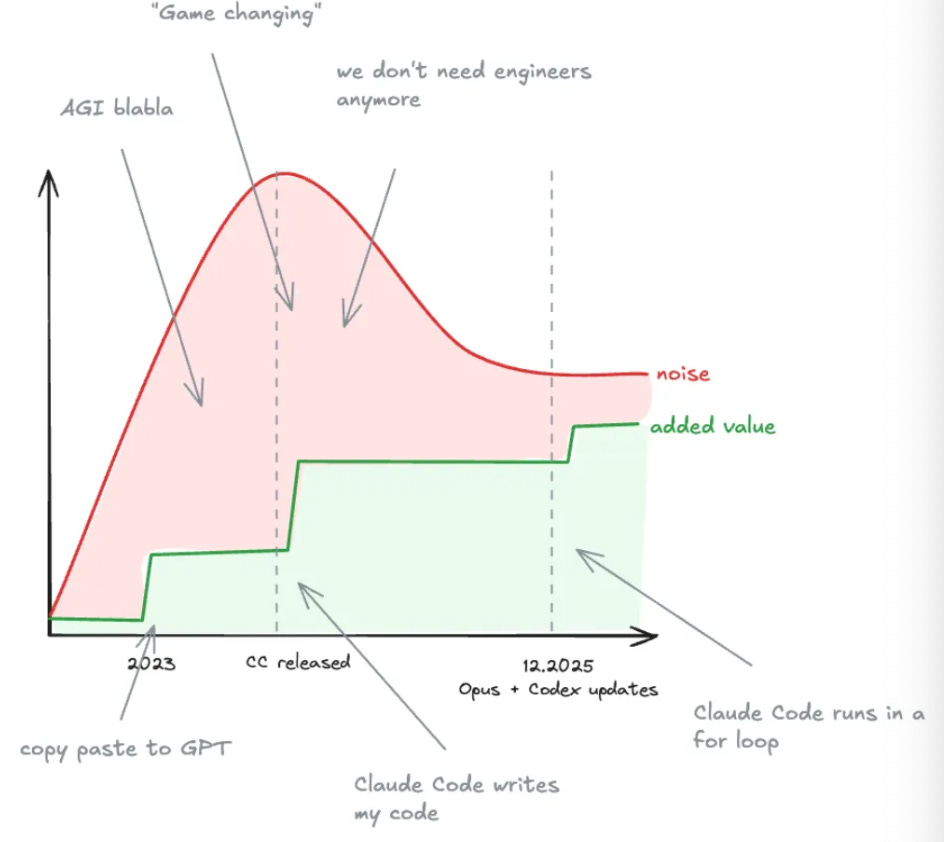
I’ve been experimenting a lot lately across personal projects, open source, and client work.
I’m convinced we now have genuinely powerful tools in our hands—while all of us are still figuring out how to use them well.
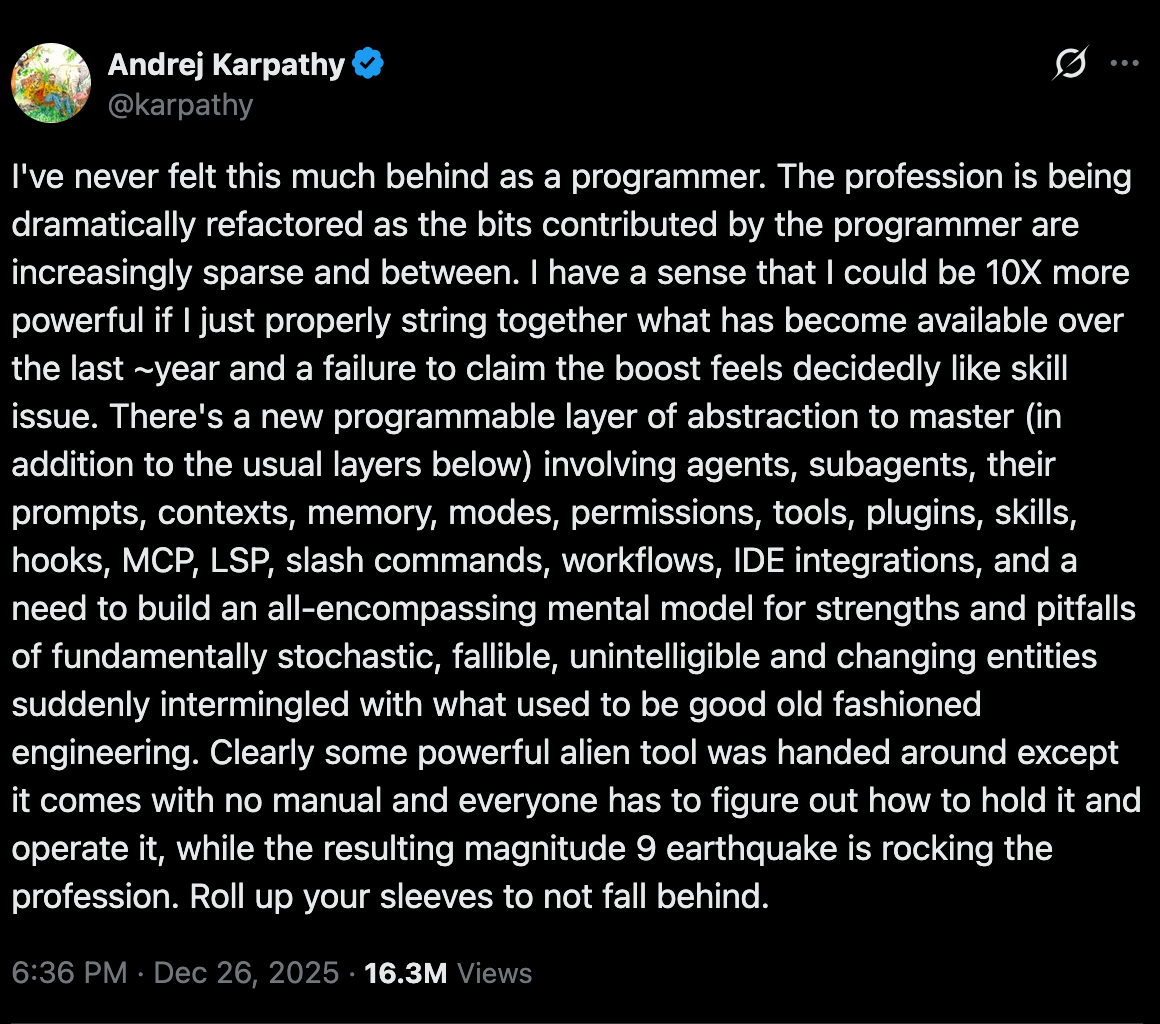
So I want to use this newsletter to share practical tips and tricks.
Here’s my ask:
How do you vibe-engineer?
The goal isn’t to deliver thousands of AI coding insights—it’s to start a conversation in the comments and learn from each other.
I’d love to hear from your experience: comment below or reply to this email with your best tips and tricks.
I’ll share the best insights I receive in future newsletter issues.
My Stack
The IDE Journey
I’ve been using VS Code for years, but this past year has been a bit of a rollercoaster.
I switched to Cursor in 2024.
Then over the summer, it started crashing my machine—most likely because I opened a project that was simply too large.
Unlike Claude Code or Codex, Cursor indexes your entire project to enable semantic search.
Claude Code and Codex, on the other hand, rely more on grep and other CLI tools.
That approach is probably slower in some cases, but it can be more efficient in terms of output and long-term maintenance (this Vercel post is a good illustration).
I’ll write more about agent tooling this in the coming weeks.
After the Cursor incident, I went back to VS Code, and I’ve been using it ever since.
The Agent: Claude Code
I started on the Pro plan, but I hit the limits pretty quickly—so I upgraded to Max ($200/month).
If you’re considering the $100 plan: from what I’ve seen, it’s intentionally restrictive and tends to nudge you toward Max.
If you use it heavily, you’ll probably end up upgrading anyway.
That said, I use it now for everything—coding, project management, company management, admin tasks.
So for my personal case, the price is worth it.
Since late December / early January, the output quality has jumped a lot with the latest Opus 4.5 release.
Everything suddenly got… better.
Less fighting. Fewer retries. More tasks done in one shot.
The Shift: Local-First Everything
Here’s where things got interesting.
Last year, I started stripping out cloud tools:
I killed Notion
Stopped using Google Sheets and Drive
I vibe-engineered a custom CLI for accounting. I built a habit tracker that runs on a my Tailscale network.
Everything became local.
All invoices and reports are Markdown files. When I need a database to power a web app, I just use SQLite.
And after getting tired of having 10–15 VS Code windows open at the same time, I even tried going full tmux + Neovim.
But I gave up.
My brain is just too wired for VS Code, and I’m too lazy to accept the short-term productivity loss.
Tips & Tricks
Here’s an unstructured list of tips and tricks—patterns I’ve seen work.
Plan Mode - Don’t Be Lazy
I’ve noticed Claude wants to DO DO DO. It’s eager. It wants to start writing code immediately.
My role as the coder is to BREAK BREAK BREAK.
What works for me is forcing planning first. I spend a lot of time scoping the requirements. Plan time is where we add the most value.
The more detailed the specs, the better the output.
I’ve also noticed that when I’m tired at the end of the day, I tend to let things slide too easily—and I regret it later.
The potential impact of being tired at work is way higher now than it used to be :)
Multi-Agent on Same Branch
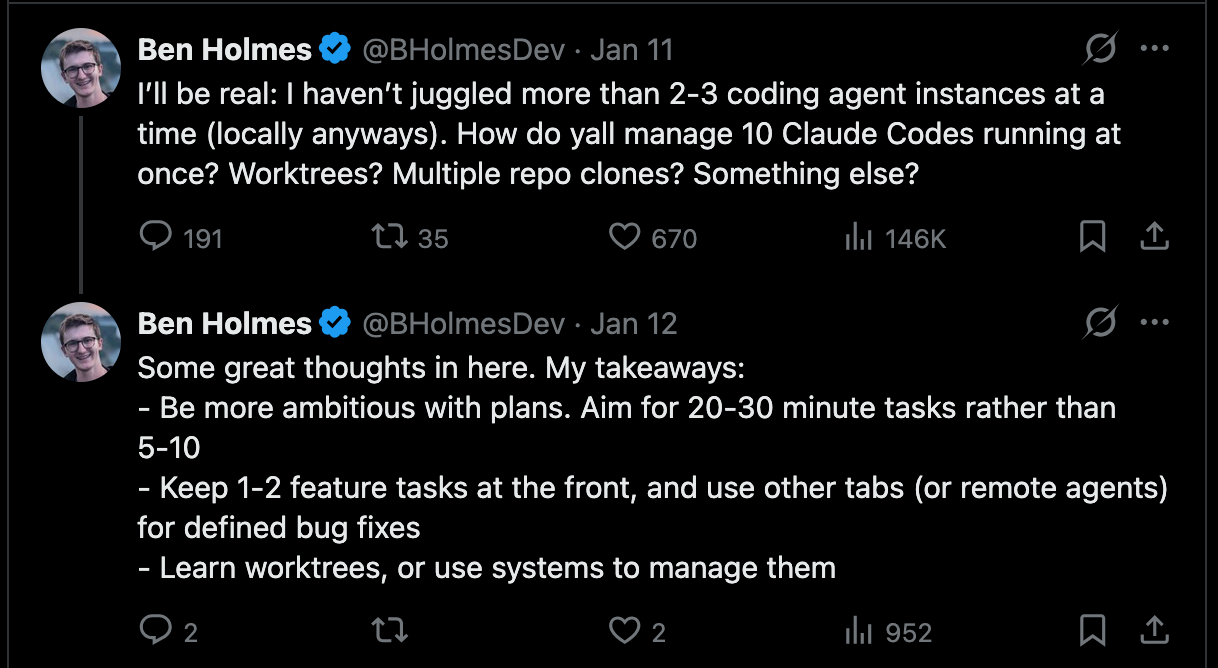
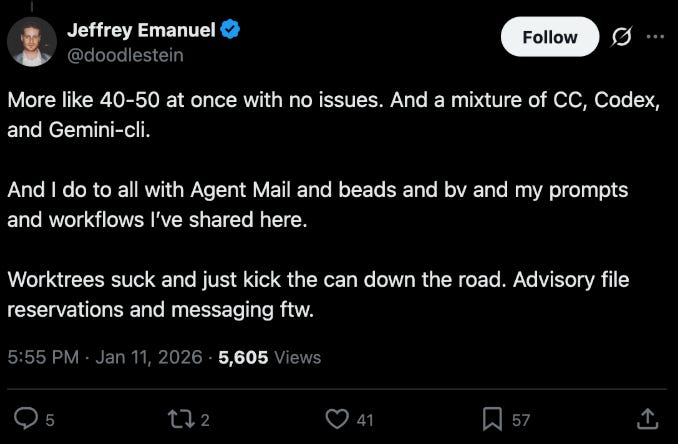
I let multiple agents work on the same branch. It sounds messier in theory, but I’ve found it cleaner in practice.
A lot of people recommend using worktrees. I do sometimes—but once you run multiple worktrees, you often end up re-building your local setup each time.
So I only create worktrees when I really need true isolation.
What I do instead: I tell my agents, “commit ONLY your changes.”
You can even create a slash command for that:

I think the problem here is that agents are not aware of what the others are working on, but knowing they can isolate their changes and commit only when needed helps.
I’m still searching for the best setup for this problem.
“SIMPLIFY !!!”
I keep telling yelling at the agent: simplify.
It’s not for no reason that Anthropic released a code-simplifier subagent.
Every time I end up in a “simplification review,” I realize my original plan wasn’t good enough.
And yes—you’ve probably noticed it too: review is now critical.
To tie this back to the first point, engineers add the most value at:
design time
review time
For this review process, I accumulate notes in CLAUDE.md.
Over time, the agent gets higher-quality context, which steadily improves the output.
After a session, I ask Claude Code to look up the session transcript in ~/.claude (sessions) and extract the useful bits into CLAUDE.md: how we solved bugs, architecture decisions, bugs we found, coding patterns, etc.
For workflow-oriented memory—how to do stuff—I create skills.
For company management and other admin workflows, that’s been especially helpful.
PoC Mode
A good pattern I’ve found is to run PoCs in an isolated environment.
Instead of confusing the agent with the rest of the codebase, I let it try a new tool or a new design in a dedicated folder first. This works really well.
Agents are also great at copying patterns, so having a reference implementation PoC becomes a solid guideline—and helps avoid it getting lost during the full implementation.
Starting fresh like this (globally) has always given me good results.
Coding in 2026 = Building Agent Loop
I’ve gotten good results by designing agent tasks where the agent can evaluate its output against a clear baseline—tests that must pass, expected UI behavior, or target values.
Building these loops:
forces you to think in terms of output instead of “how”
lets the agent run longer (and more autonomously)
Good engineers in 2026 will probably be the ones who master designing agent loops—and who get creative about how to define the baseline.
Multi-Model Loop (Claude + GPT)
I’d seen some Codex hype, so I decided to try it.
Codex is actually really good at:
architecture analysis
code review
hard problems where Claude Code gets stuck
I started on the $20 plan and I’m pretty happy with it.
Now I’m constantly copy-pasting messages back and forth between the two panels:
“review this”
“write detailed specs”
“why did this fail?”
“what are the edge cases?”
etc.
This is also an area where I see a lot of potential: getting Claude Code and Codex to talk to each other in a loop until they converge on a good state—then I can jump in and make the final call.
I found this project that might be a good option:


But what I’d like is a YAML-based interface for orchestrating coding agents.
agents:
  builder:
    provider: claude_code
    model: opus
    prompt:
      - ""

  reviewer:
    provider: codex
    model: latest
    prompt:
      - ""

....
…but the hard part is probably that this kind of DSL isn’t easy to generalize.
This is more or less the approach used by the Wiggum Loop.
The idea here is brutally simple: just let Claude Code run in a loop until it reaches a good state.

Claude Code even released an official plugin for it.
I haven’t tested this yet, but I think agent orchestration is going to be a pretty interesting topic over the next few months.
Frontend: Browser Control
For frontend tasks, I’ve seen big efficiency gains using the claude --chrome extension.
I let Claude Code iterate on the code, start the dev server, and pull console logs directly from the browser. It can also use screenshots to get visual feedback from the UI.
That said, I’ve found it pretty slow.
To-Test List
I haven’t tested it yet, but this project keeps popping up in my feeds—and it’s currently #1 on my list:
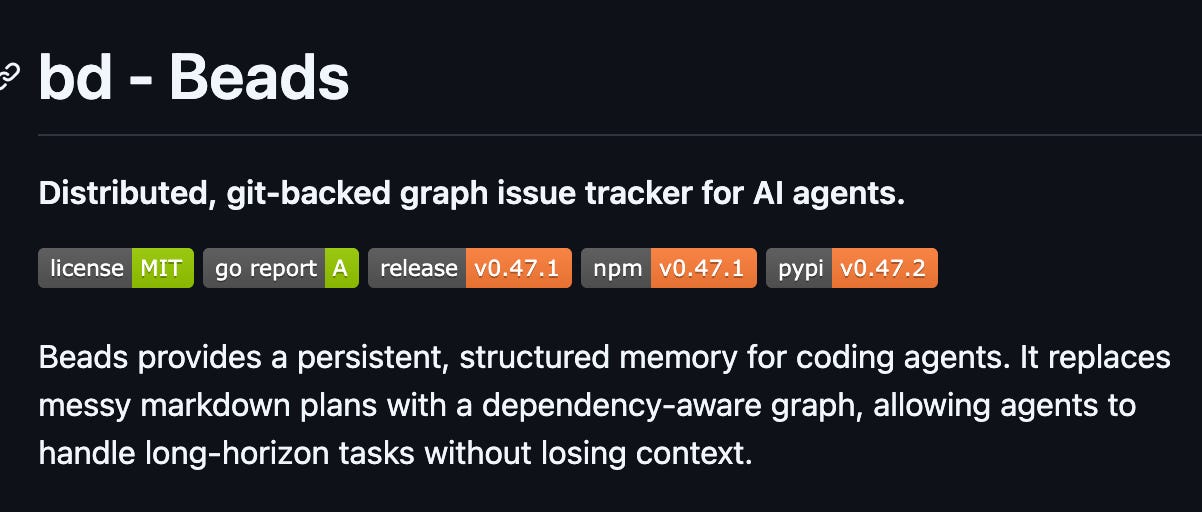
As I mentioned above, my main area of experimentation right now is multi-agent orchestration—getting multiple agents to collaborate around a shared source of truth. I think Beads could help a lot with that.
I’m curious:
- What’s your stack? (IDE, model, workflow)
- What one trick changed everything for you?
- What overhyped thing actually doesn’t work for you
How to share:
- Drop in comments below
- Email me: respond to this email
I’ll compile the insights in the next newsletter release!
Thanks a lot !
Thanks for reading,
-Ju

Great post! I've followed a similar journey and have shifted more and more to Claude Code CLI. I still use an IDE (Cursor - but without payment) but finding that I'm only using it for the stuff that I know I'll just be quicker at and want more precision.
I do like how all the state is local and text based and no matter what happens it's completely portable.